Federation
The Federation section configures OAuth2 / OIDC social login providers. Once configured, users can sign in with Google, GitHub, Microsoft, or any OIDC-compliant provider instead of (or in addition to) email and password.
How federation works
- The user clicks Sign in with Google (or another provider) on the tuvl login page.
- tuvl redirects to the provider's OAuth2 authorisation endpoint.
- After the user consents, the provider redirects back to
http://<your-tuvl-host>/auth/callback/<provider>. - tuvl exchanges the authorisation code for an access token, fetches the user's profile, and creates or links a tuvl user account.
- A Biscuit token is issued and the user is logged in.
Supported providers
| Provider | Config key |
|---|---|
google |
|
| GitHub | github |
| Microsoft (Entra) | microsoft |
| Any OIDC provider | oidc |
Provider YAML format
kind: OAuthProvider
version: v1
enabled: true
metadata:
  name: google
spec:
  provider: google
  client_id: "${GOOGLE_CLIENT_ID}"
  client_secret: "${GOOGLE_CLIENT_SECRET}"
  scopes:
    - openid
    - email
    - profile
For generic OIDC:
kind: OAuthProvider
version: v1
enabled: true
metadata:
  name: my_sso
spec:
  provider: oidc
  client_id: "${SSO_CLIENT_ID}"
  client_secret: "${SSO_CLIENT_SECRET}"
  discovery_url: "https://sso.example.com/.well-known/openid-configuration"
  scopes:
    - openid
    - email
    - profile
Configuring a provider in the portal
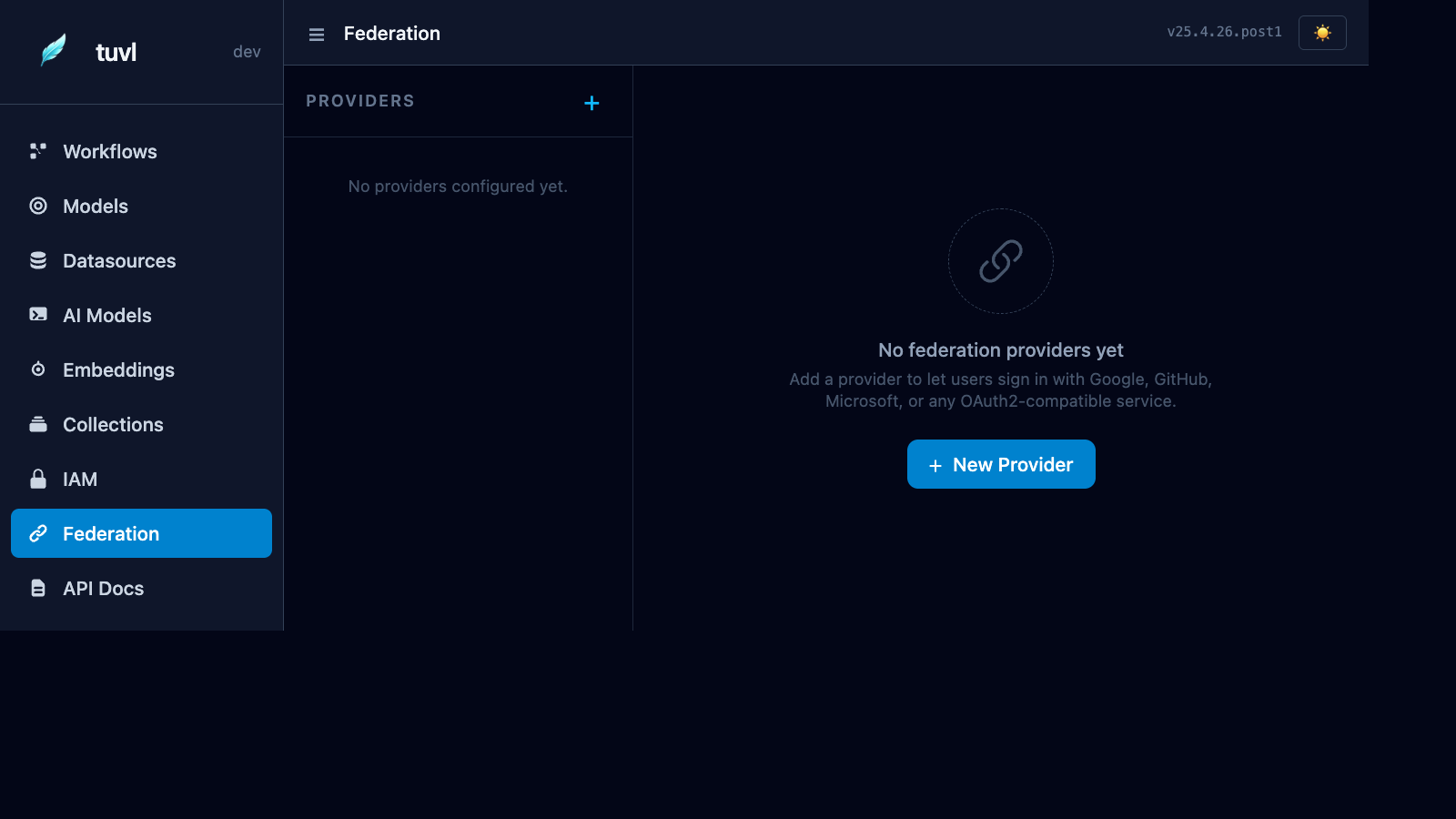
Click + New Provider to open the creation form:
| Field | Description |
|---|---|
| Provider | Select from the dropdown (google, github, microsoft, oidc) |
| Client ID | OAuth2 application client ID from the provider console |
| Client Secret | Use ${ENV_VAR} syntax to reference environment variables |
| Discovery URL | Required for generic OIDC providers |
| Scopes | Space-separated list of OAuth2 scopes to request |
| Enabled | Toggle without deleting the config |
Callback URL
Register the following redirect URI in your OAuth2 provider console:
For example, if tuvl runs at https://myapp.example.com with provider name google:
Redis required for federation in multi-worker deployments
OAuth2 uses a CSRF state token that must survive until the provider's callback. In a multi-worker deployment, the callback may hit a different worker than the one that started the flow. Configure Redis to share state across workers.
Role mapping
By default, federated users are created with no roles. Assign roles after the first login via the IAM panel, or configure automatic role mapping based on email domain in your OAuthProvider spec: