Datasources
The Datasources section manages your PostgreSQL connection configuration files. Each *.yaml file under datasources/ defines one named database connection.
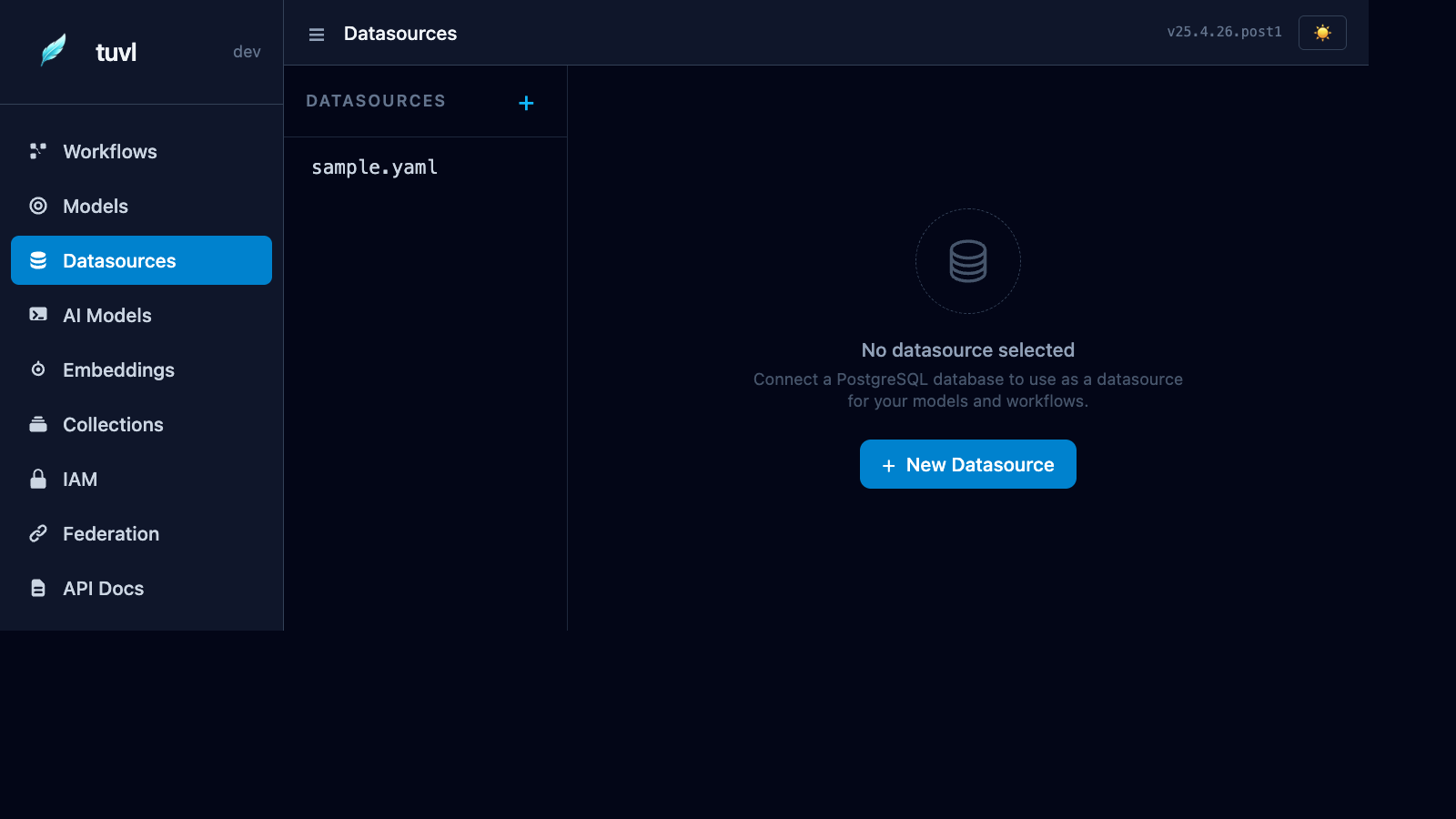
File list
The sidebar lists every file in your project's datasources/ directory. Click any file to open the connection editor.
The status indicator shows whether the connection was successfully established at startup:
| Indicator | Meaning |
|---|---|
| Green | Connected and healthy |
| Grey | Datasource is disabled (enabled: false) |
| Red | Connection failed at startup |
Connection editor
The form has two tabs:
Form view — fill in host, port, database name, user, and password using familiar text inputs. tuvl shows a live YAML preview on the right as you type.
YAML view — edit the raw config file directly. Useful for adding advanced connection options.
Datasource YAML format
kind: Datasource
version: v1
enabled: true
metadata:
  name: primary_db
spec:
  type: postgres
  connection:
    host: "${POSTGRES_HOST:localhost}"
    port: "${POSTGRES_PORT:5432}"
    database: "${POSTGRES_DB:myapp}"
    user: "${POSTGRES_USER:postgres}"
    password: "${POSTGRES_PASSWORD:}"
  pool:
    min_size: 2
    max_size: 10
Environment variable syntax
tuvl connection fields support ${ENV_VAR_NAME:default_value} placeholders. At startup, tuvl substitutes the value from the environment. If the variable is not set, the default after : is used.
| Syntax | Behaviour |
|---|---|
${POSTGRES_HOST:localhost} |
Use POSTGRES_HOST env var, fallback to localhost |
${POSTGRES_PASSWORD:} |
Use POSTGRES_PASSWORD env var, fallback to empty string |
${POSTGRES_HOST} |
Use POSTGRES_HOST env var, no fallback (empty string if unset) |
Local development
Set your credentials in a .env file at the project root. tuvl automatically loads .env on startup in dev mode.
Multiple datasources
You can define multiple datasource files for different databases (e.g. primary.yaml, analytics.yaml, test.yaml). Each is registered by its metadata.name and can be referenced in model definitions:
kind: ModelDefinition
version: v1
metadata:
  name: AnalyticsEvent
spec:
  datasource: analytics     # references datasources/analytics.yaml
  table: events
  fields: [ ... ]
If no datasource key is specified, the model uses the first enabled datasource.
Automatic migrations
On startup, tuvl runs CREATE TABLE IF NOT EXISTS for every enabled model against its configured datasource. Existing tables are not dropped or truncated — only missing tables are created.
For production schema migrations, use a tool like Alembic.