Embeddings & Collections
The Embeddings and Collections sections configure tuvl's vector search stack. Together they power Retrieval-Augmented Generation (RAG) inside your workflows.
| Section | Screenshot |
|---|---|
| Embeddings | 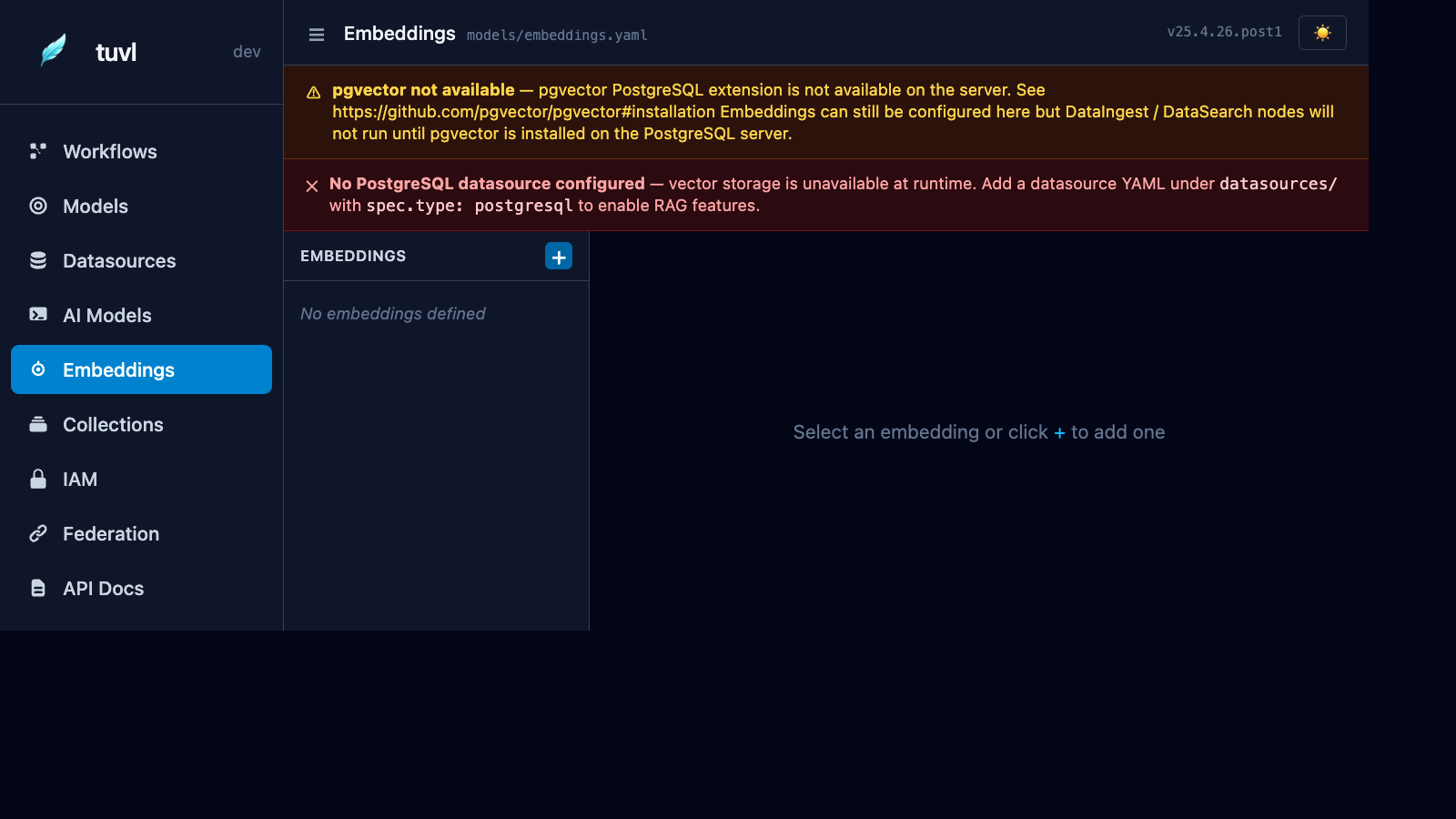 |
| Collections | 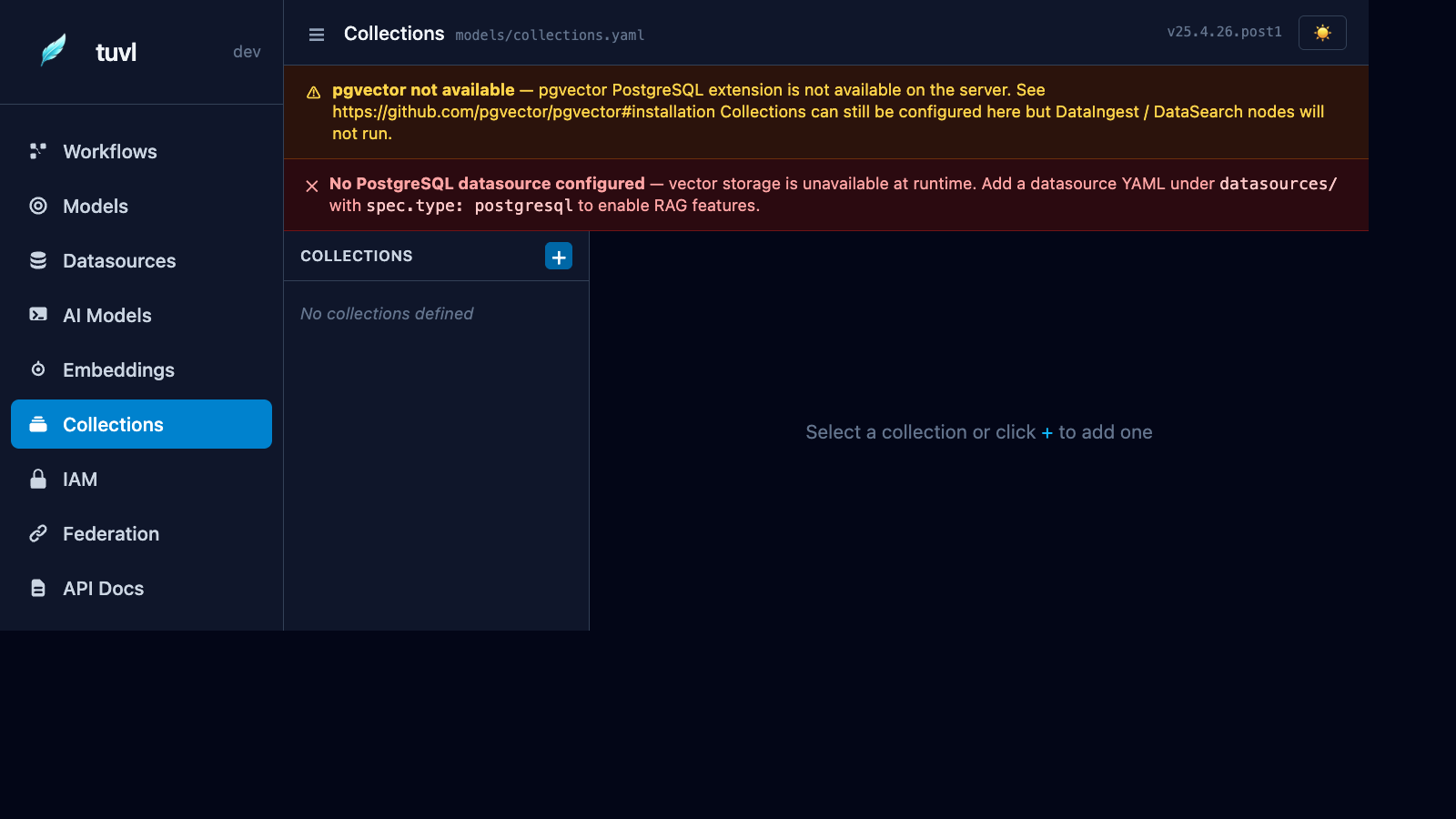 |
Concepts
Embedding model — An EmbeddingModel config defines which model converts text into a vector (e.g. nomic-embed-text via Ollama, or OpenAI's text-embedding-3-small).
Collection — A VectorCollection config defines a named pgvector table: which embedding model to use, the vector dimension, and the distance metric. Think of a collection as a searchable knowledge base.
Requirements
Both features require:
- pgvector extension — installed in your PostgreSQL database:
- A connected and enabled Datasource (see Datasources).
Embeddings
EmbeddingModel YAML
kind: EmbeddingModel
version: v1
enabled: true
metadata:
  name: default_embeddings
  description: Ollama nomic-embed-text
spec:
  model: ollama/nomic-embed-text
  api_base: http://localhost:11434
  dimensions: 768
| Field | Description |
|---|---|
model |
LiteLLM embedding model string |
api_base |
Required for Ollama. Leave blank for cloud providers. |
dimensions |
Vector size — must match the model's output dimension |
Common embedding models
| Provider | Model string | Dimensions |
|---|---|---|
| Ollama | ollama/nomic-embed-text |
768 |
| Ollama | ollama/mxbai-embed-large |
1024 |
| OpenAI | openai/text-embedding-3-small |
1536 |
| OpenAI | openai/text-embedding-3-large |
3072 |
| Cohere | cohere/embed-english-v3.0 |
1024 |
Collections
VectorCollection YAML
kind: VectorCollection
version: v1
enabled: true
metadata:
  name: hr_knowledge_base
  description: HR policy documents and FAQs
spec:
  embedding_model: default_embeddings   # references EmbeddingModel metadata.name
  dimensions: 768
  distance_metric: cosine               # cosine | l2 | inner_product
  table: hr_documents                   # PostgreSQL table name
Distance metrics
| Metric | Use when |
|---|---|
cosine |
Most text similarity tasks (default) |
l2 |
Euclidean distance — good for dense numerical embeddings |
inner_product |
Normalised embeddings where dot product == cosine |
Using RAG in a workflow
Once an EmbeddingModel and VectorCollection are configured and enabled, tuvl registers automatic RAG nodes that you can call from functional steps:
- id: retrieve_policy
  kind: functional
  runner: rag_search          # auto-registered by tuvl
  input:
    collection: hr_knowledge_base
    query: "{{ employee_question }}"
    top_k: 5
The RAG node returns the top-k chunks as a list in ctx["rag_results"], which you can pass to a subsequent agent step as context.
Indexing documents
Use the auto-generated REST endpoint to index text into a collection:
curl -X POST http://localhost:8000/api/collections/hr_knowledge_base/index \
  -H "Authorization: Bearer <token>" \
  -H "Content-Type: application/json" \
  -d '{"text": "All employees are entitled to 25 days annual leave.", "metadata": {"source": "policy_v3.pdf"}}'
Bulk indexing
For large document sets, use the POST /api/collections/{name}/index-batch endpoint, which accepts a JSON array of {text, metadata} objects and processes them with connection pooling.