API Docs
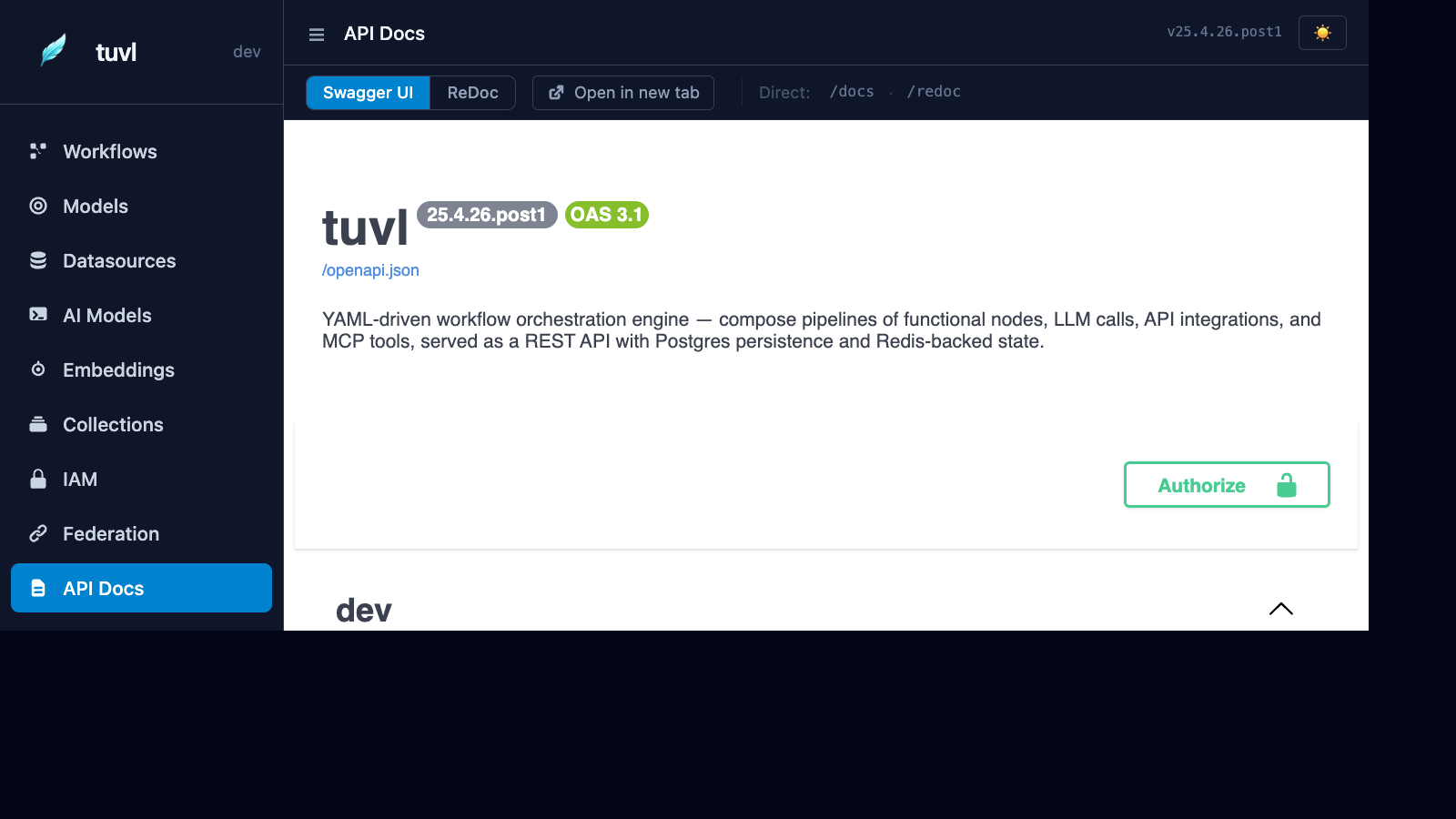
The API Docs section embeds a live Swagger UI for your project's REST endpoints. Every auto-generated CRUD route, workflow execution endpoint, and auth route is visible and callable directly from the browser.
What you'll find here
The Swagger UI at /insight/api-docs proxies the OpenAPI schema from /docs and renders it in the portal's theme. It includes:
| Category | Routes |
|---|---|
| Workflow triggers | each workflow's own trigger.http.path (e.g. POST /api/screen-candidate), typed from its contract |
| Runs | POST /api/workflows/{name}/runs, GET /api/runs, GET /api/runs/{id}, GET /api/runs/{id}/events (SSE), GET /api/runs/{id}/export, POST /api/runs/{id}/pause\|resume\|abort\|steer |
| Approvals | GET /api/approvals, POST /api/approvals/{id}, POST /api/runs/{id}/human/{agent_id} |
| Model CRUD | /models/{model}/… — only for models that opt in with spec.api.crud |
| Auth | /auth/token, /auth/me, /auth/refresh, /auth/logout, /auth/bootstrap, /auth/oauth/{provider}/…, /auth/admin/* |
| System | /health, /registry, /admin/*, /api/artifacts |
MCP export (/mcp) isn't an OpenAPI route; see API: REST, SSE, MCP.
Trying endpoints
- Click the Authorize button (🔒) at the top of the Swagger UI.
- Enter your access token in the
Bearerfield. - Expand any endpoint, click Try it out, fill in the parameters, and click Execute.
In dev mode, you can use the dev API key directly as a bearer token.
Running a workflow via the API
Call the workflow's own route:
POST /api/screen-candidate
Authorization: Bearer <token>
Content-Type: application/json

{ "full_name": "Asha Menon", "email": "asha@example.com", "years_experience": 6,
  "skills": ["Python", "PyTorch", "LLMs", "RAG"] }
The response is the end the run reached — its status and body:
HTTP/1.1 201 Created
X-Tuvl-Run-Id: 5b0d…

{ "id": "c9e2…", "status": "shortlisted", "fit_score": 88 }
If the run waits for a person (a human agent) or outlives the request, the response is 202 with a
run descriptor (status_url, events_url, and the pending approval). Any workflow can also be
started by name with POST /api/workflows/{name}/runs.
Following a run
Every step is journaled. Follow a run over Server-Sent Events — the journal replays, then goes live:
GET /api/runs/5b0d…/events
Authorization: Bearer <token>
Accept: text/event-stream
id: 3
event: decision
data: {"seq":3,"type":"decision","agent_id":"gate","engine":"decide","payload":{"decision":"assess","source":"rule#1"}}Reconnect with Last-Event-ID (or ?from_seq=) to resume without gaps. Reading a run needs the
runs:read scope (your own runs) or iam:admin. Event types are listed in
Runtime.
Raw OpenAPI schema
The raw JSON schema is available at /openapi.json. Import it into Postman, Insomnia, or any API tool that accepts OpenAPI 3.x.