API Docs
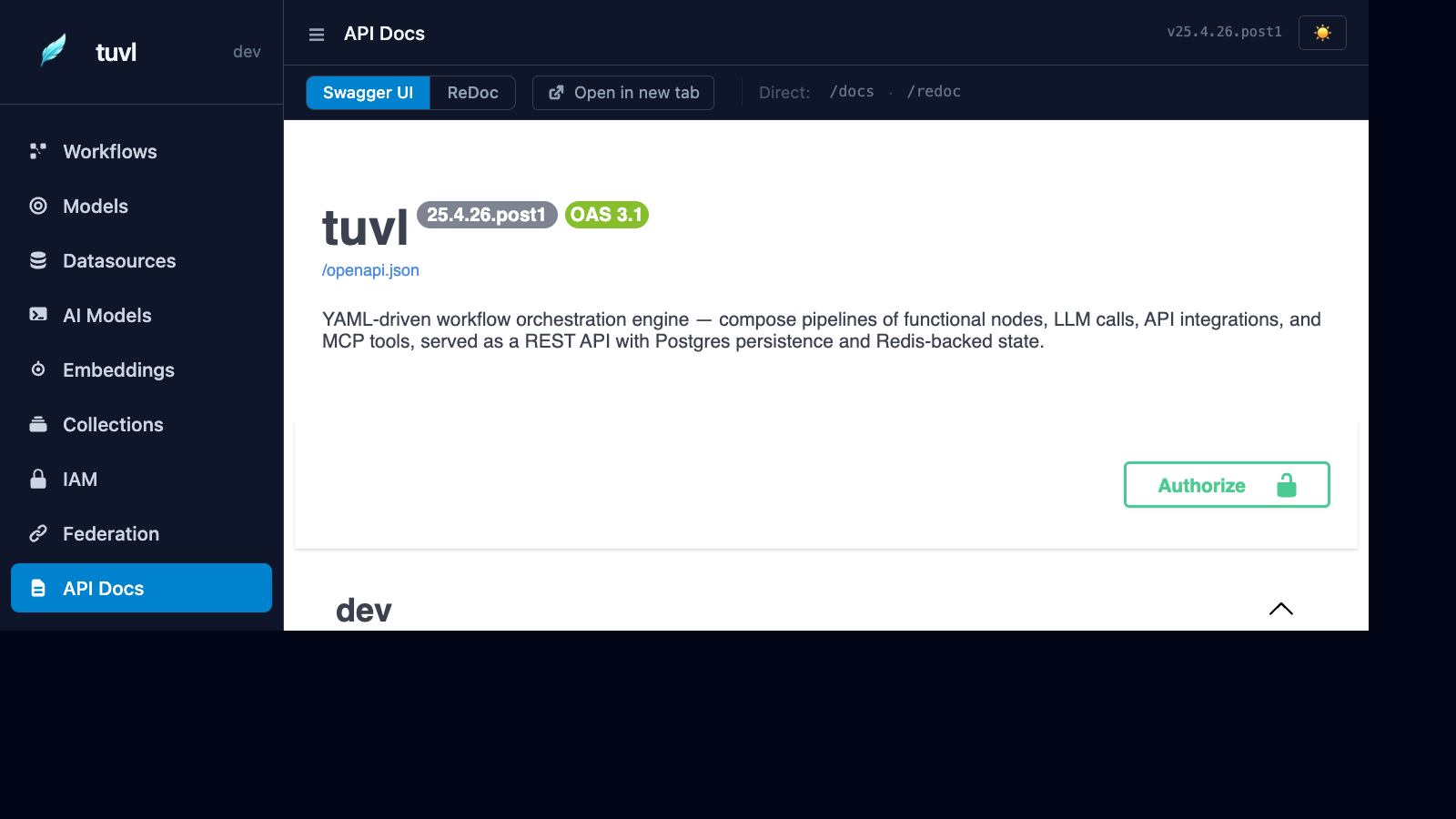
The API Docs section embeds a live Swagger UI for your project's REST endpoints. Every auto-generated CRUD route, workflow execution endpoint, and auth route is visible and callable directly from the browser.
What you'll find here
The Swagger UI at /insight/api-docs proxies the OpenAPI schema from /docs and renders it in the portal's theme. It includes:
| Category | Routes |
|---|---|
| Auth | /auth/token, /auth/bootstrap, /auth/admin/*, /auth/callback/* |
| System | /health, /registry, / |
| Workflow execution | /api/workflows/{name}/run, /api/workflows/{name}/stream |
| HITL | /hitl/tasks, /hitl/tasks/{id}/respond |
| Model CRUD | /api/{table}/ — auto-generated for each enabled ModelDefinition |
| Vector collections | /api/collections/{name}/index, /api/collections/{name}/search |
Trying endpoints
- Click the Authorize button (🔒) at the top of the Swagger UI.
- Enter your access token in the
Bearerfield. - Expand any endpoint, click Try it out, fill in the parameters, and click Execute.
In dev mode, you can use the dev API key directly as a bearer token.
Running a workflow via the API
POST /api/workflows/screen_candidate/run
Authorization: Bearer <token>
Content-Type: application/json

{
  "full_name": "Jane Smith",
  "email": "jane@example.com",
  "experience_years": 7,
  "skills": ["Python", "FastAPI"]
}
Response:
{
  "workflow": "screen_candidate",
  "status": "completed",
  "output": {
    "route": "strong",
    "score": 8,
    "summary": "Strong candidate with 7 years experience and relevant skills.",
    "id": "550e8400-e29b-41d4-a716-446655440000"
  }
}
Streaming execution
For long-running workflows, use the SSE stream endpoint:
GET /api/workflows/screen_candidate/stream?full_name=Jane+Smith&email=jane%40example.com
Authorization: Bearer <token>
Accept: text/event-stream
Each step emits an event:
event: step
data: {"step": "save_draft", "status": "completed", "duration_ms": 12.4}

event: step
data: {"step": "score_cv", "status": "completed", "duration_ms": 843.1}

event: done
data: {"route": "strong", "score": 8}
Raw OpenAPI schema
The raw JSON schema is available at /openapi.json. Import it into Postman, Insomnia, or any API tool that accepts OpenAPI 3.x.