Insight Developer Portal
The Insight developer portal is tuvl's browser-based management UI. It is automatically served when you run tuvl dev and gives you a live view into everything your project contains — workflows, models, datasources, AI models, vector indexes, users, and more — without writing a single line of code.
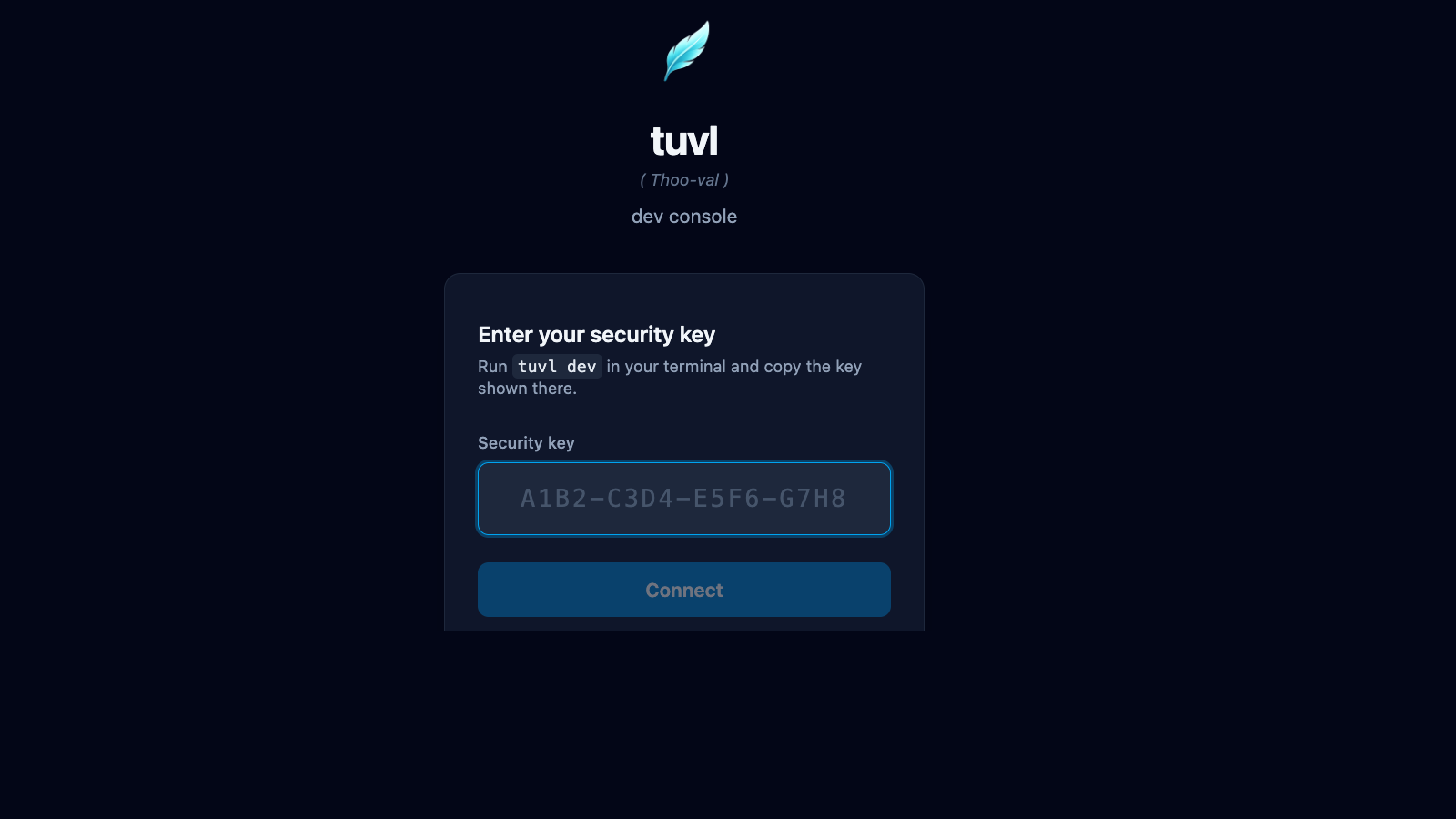
Accessing the portal
Start the dev server from your project directory:
tuvl prints the portal URL and a one-time security key:
╭─ tuvl dev ───────────────────────────────────────────────────────────╮
│ Starting tuvl engine in dev mode on port 8000.                       │
│ Project: /home/user/my-project                                       │
│                                                                      │
│ Open http://127.0.0.1:8000/insight/ and the security key is stored  │
│ in .tuvl/.dev-session (run tuvl dev --show-key to print it).         │
╰──────────────────────────────────────────────────────────────────────╯
tuvl also opens the portal in your default browser automatically. Paste the security key from .tuvl/.dev-session when prompted.
Print the key directly
Use tuvl dev --show-key to print the key in the terminal output. The default is to store it silently so shell history recordings cannot capture it.
Bypass the login screen
Use tuvl dev --auto-login (or set TUVL_DEV_AUTO_LOGIN=1) to automatically authenticate the portal and bypass the security key prompt.
Dev mode only
The Insight portal is only available when TUVL_DEV_MODE=true. It is never served in production builds to eliminate any attack surface.
Portal navigation
The sidebar contains all top-level sections:
| Section | Description |
|---|---|
| Workflows | View, edit, and visualise your workflow YAML files |
| Models | Inspect and edit ModelDefinition files |
| Datasources | Manage PostgreSQL connection configs |
| AI Models | Configure LLM agents (Ollama, OpenAI, Anthropic, …) |
| Embeddings | Define embedding model configs for vector search |
| Collections | Manage pgvector collections for RAG |
| IAM | Users, roles, and scope management |
| Federation | OAuth2 / OIDC provider setup |
| API Docs | Live Swagger UI for your project's REST endpoints |
| Spectrum | Workflow test runner and visual debugger |
| Settings | Redis, telemetry, and LLM Judge configuration |
How it works
The portal communicates with the tuvl engine over gRPC-Web (via DevService) for all file operations and dev-only queries. The DevService exposes endpoints for listing files, reading/writing YAML configs, running single-node Lens probes, and streaming full workflow executions through Spectrum.
Regular workflow execution and auth endpoints use the standard REST API at /api/*.
Requirements
| Requirement | Version |
|---|---|
tuvl |
≥ 25.4 |
tuvl-insight |
Included with pip install tuvl[standard] |
| Browser | Any modern Chromium, Firefox, or Safari |
tuvl_insight package
The portal is shipped as the separate tuvl_insight package. It is bundled when you install with the standard extra: pip install tuvl[standard]. If you install the bare tuvl package, the portal will not be available.